





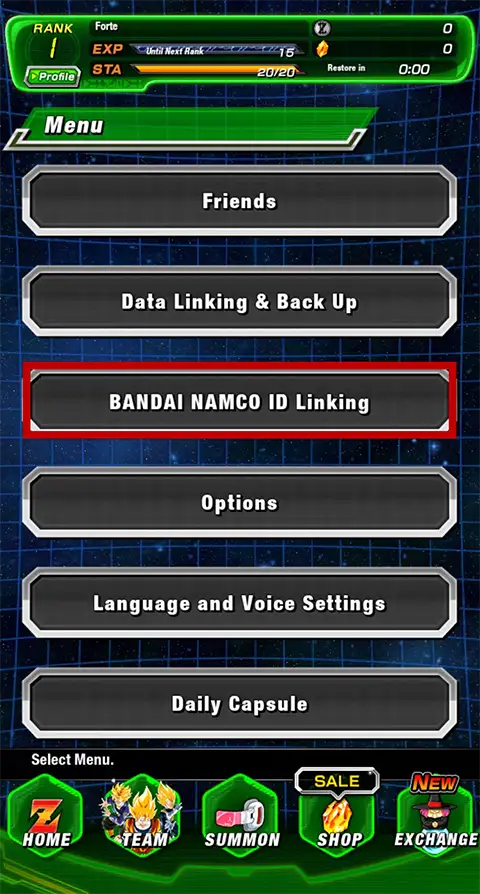
A: Your in-app ID linking might have been unsuccessful. Please check again whether the user information registered with the ID is correct, and the BNID linking setup is complete. *Please note that this is not the same as "Data Linking & Back Up".

A: If you open the app home screen after a purchase/exchange at the Web Store, you'll receive your items automatically. Check the Home screen or Gift Box whether the amount of your items has increased. If you do not receive them, please try restarting the app.

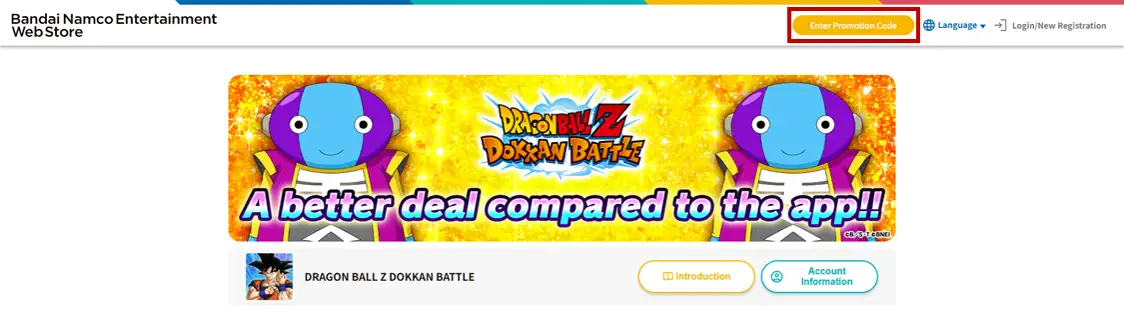
A: To use a promotion code, select "Enter Promotion Code" displayed on the screen. Similarly to when you purchase items, log in with your BANDAI NAMCO ID, and enter the code.

A: Points for the current month will be reflected when you purchase an item that provides Points.
Your Points are determined by the month in which you open the payment method selection screen after tapping the purchase button.
If there are no Points displayed, it is possible that the payment method selection screen had been left open during the change of the month. In that case, the Points may have been processed as Points for the previous month and immediately cleared during the monthly reset.
If the month changes while you are on the payment method selection screen to make a purchase, please close the screen (return to the product list page), and reattempt the purchase in order to acquire Points valid for the current month.
*Apple, the Apple Logo and the App Store are trademarks of Apple Inc.,registered in the U.S.A. and other countries.
*Google Play is the trademark of Google LLC.
©BIRD STUDIO/SHUEISHA, TOEI ANIMATION ©Bandai Namco Entertainment Inc.
*Content under development.
*Images are of the English version.